Basic Calculator vs Scientific Calculator: What Is the Difference?
If you have ever stared at two calculators and wondered why one has triple the buttons, you are not alone. Most people use whatever is available without knowing what they are missing, or what they actually need. The difference between a basic calculator and a scientific calculator is not just about button count. It is about what kind of math you are trying to solve.
This guide breaks both down clearly so you can stop guessing and start using the right tool.
What a Basic Calculator Does
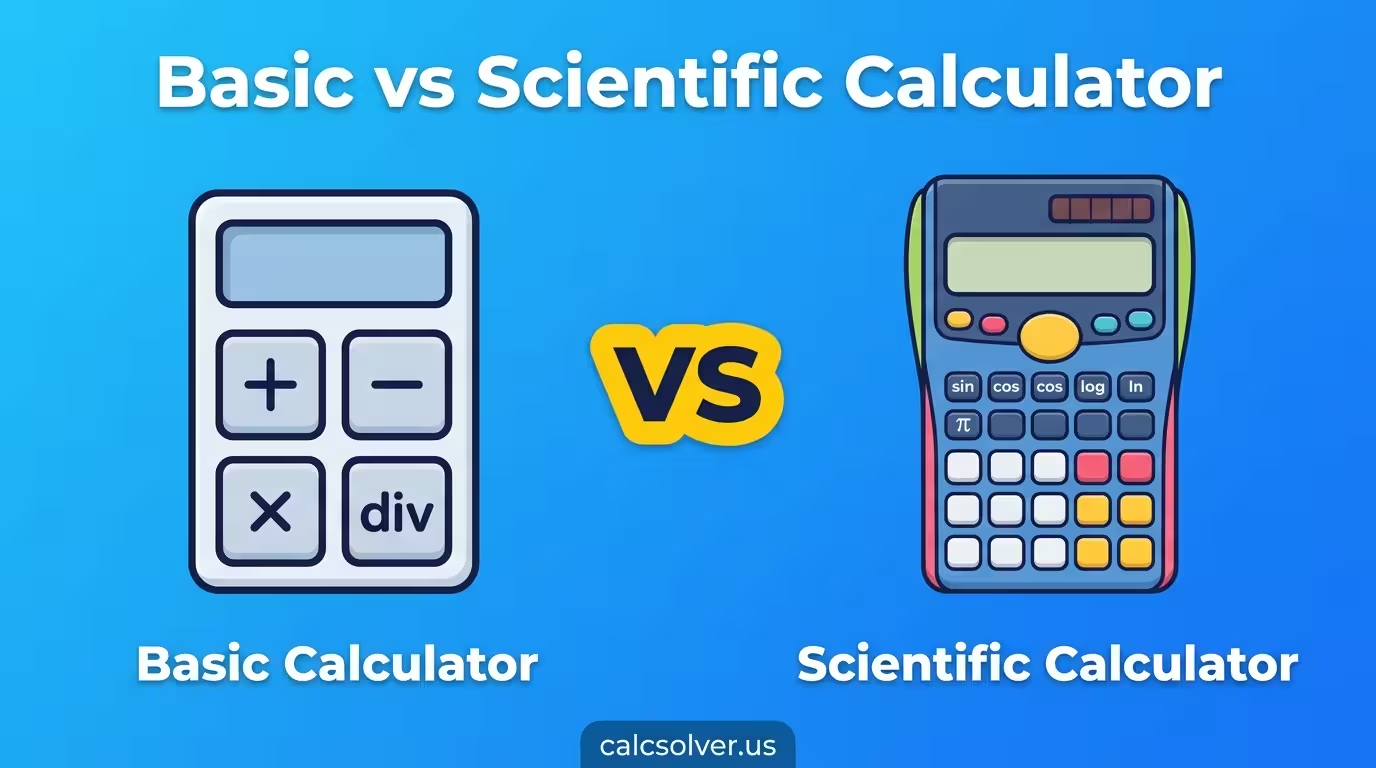
A basic calculator handles four operations: addition, subtraction, multiplication, and division. Some models include a percentage key and a square root button, but that is usually where it stops.
You find basic calculators on phones, in kitchen drawers, at checkout counters, and built into operating systems. They are designed for quick, no-context arithmetic. Splitting a restaurant bill, adding up expenses, checking change at a store. That is the sweet spot for a basic calculator.
| Function | Basic Calculator |
|---|---|
| Addition (+) | Yes |
| Subtraction (-) | Yes |
| Multiplication (×) | Yes |
| Division (÷) | Yes |
| Percentage (%) | Sometimes |
| Square Root (√) | Sometimes |
| Memory (M+, MR) | Sometimes |
| Trigonometry | No |
| Logarithms | No |
| Exponents (xʸ) | No |
| Constants (π, e) | No |
The simplicity is the point. A basic calculator is fast, requires no learning curve, and gets the job done for everyday math. The problem comes when your math is not everyday math.
What a Scientific Calculator Does
A scientific calculator does everything a basic calculator does, and then goes significantly further. It is built for algebra, geometry, trigonometry, physics, chemistry, and finance calculations.
The extra functions you get on a scientific calculator include:
- Trigonometric functions: sin, cos, tan and their inverses
- Logarithms: log (base 10) and ln (natural log)
- Exponents and powers: x², xʸ, square root, nth root
- Factorials: n!
- Constants: π (pi) and e (Euler’s number)
- Degree and radian mode toggle for angle calculations
- Memory functions: M+, M-, MR, MC
- Parentheses for order of operations in complex expressions
- Scientific notation for very large or very small numbers
A scientific calculator can always perform basic arithmetic too. It fully replaces a basic calculator. The reverse is not true. A basic calculator cannot handle trig or logarithms at all.
Side-by-Side Comparison
| Feature | Basic Calculator | Scientific Calculator |
|---|---|---|
| Arithmetic (+, -, ×, ÷) | Yes | Yes |
| Percentage | Sometimes | Yes |
| Square root | Sometimes | Yes |
| Trigonometry (sin, cos, tan) | No | Yes |
| Logarithms (log, ln) | No | Yes |
| Exponents (xʸ) | No | Yes |
| Constants (π, e) | No | Yes |
| Degree / Radian mode | No | Yes |
| Memory functions | Basic only | Full (M+, M-, MR, MC) |
| Scientific notation | No | Yes |
| Factorials | No | Yes |
| Order of operations support | Limited | Full |
| Best for | Daily life, simple math | School, science, engineering |
Which Grade Level Needs Which Calculator
This is the most practical question. Here is a clear breakdown by study level:
| Level | Which Calculator |
|---|---|
| Primary school (Grades 1-5) | Basic calculator |
| Middle school (Grades 6-7) | Basic calculator with percentage and square root |
| Grade 8 and pre-algebra | Scientific calculator |
| High school (Grades 9-12) | Scientific calculator |
| University (STEM fields) | Scientific calculator minimum |
| Non-STEM university | Basic or scientific depending on course |
| Engineers, scientists | Scientific calculator |
| Finance, accounting | Basic or financial calculator |
| Everyday home use | Basic calculator |
Most students make the switch from basic to scientific around Grade 8 when algebra, fractions, and exponents enter their coursework. If your subject involves any formula with Greek letters, logarithms, or angle measurements, a scientific calculator is what you need.
Real-World Example: Why the Difference Matters
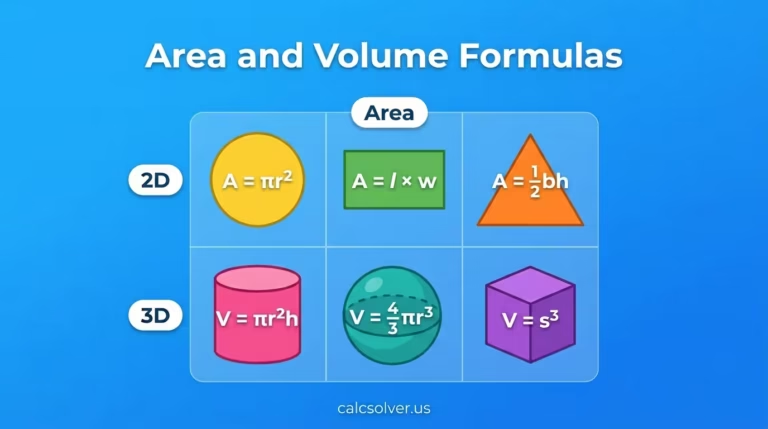
Say you need to find the area of a circle with radius 7.
Formula: A = π × r²
On a basic calculator, you would have to type 3.14159 manually and hope you remember π accurately. You would then square 7 manually and multiply. Three chances for error.
On a scientific calculator, you press π, then ×, then 7, then x², then =. The answer is 153.938 and the calculation took five button presses with zero approximation.
Same idea applies to any trig problem. If you need sin(45°) on a basic calculator, you are stuck. On a scientific calculator, you type sin(45) in DEG mode and get 0.7071 instantly.
Can You Use a Scientific Calculator Instead of a Basic One
Yes, always. A scientific calculator handles all basic arithmetic the same way. If you are buying one calculator and want it to cover everything from grocery math to physics homework, get the scientific one.
The only reason someone might prefer a basic calculator is simplicity. Fewer buttons means less confusion for people who only ever need +, -, ×, ÷. For a student or anyone who deals with math beyond that, the scientific calculator is the better investment every time.
Online vs Physical Calculators
Both types exist as free online tools. You do not need to buy a physical calculator to access scientific functions. The free online calculator at CalcSolver gives you full scientific calculator functions directly in your browser, no app, no download.
This matters especially for students who do not want to carry a physical device, or for anyone who needs a quick scientific calculation from a phone or laptop.
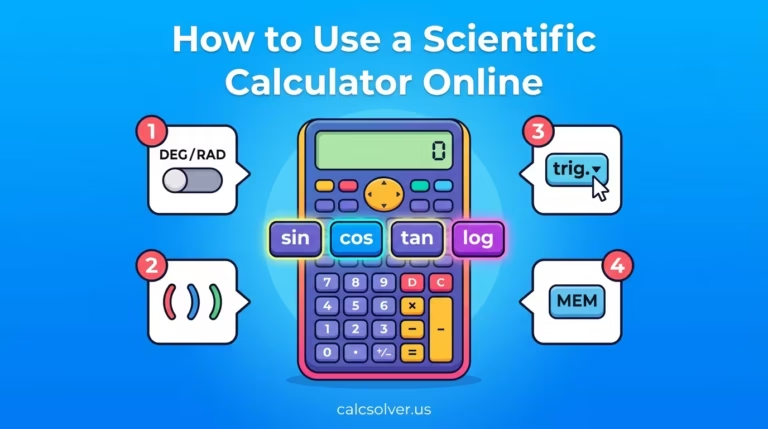
Online scientific calculators match the functionality of physical Casio or Texas Instruments models for standard academic use. They cover everything from trigonometry to logarithms to memory functions, which we covered in detail in our guide on how to use a scientific calculator online.
Common Mistakes People Make When Choosing
The biggest mistake is staying on a basic calculator too long. Students start using one in primary school and never upgrade, then struggle in high school when problems suddenly require trig or logarithms. If you are in Grade 8 or above and still using a basic calculator for math class, switch now.
The second mistake is buying the most expensive scientific calculator thinking more features means better results. Most high school and university students only need the standard functions. A mid-range calculator, physical or online, covers everything they will encounter.
Frequently Asked Questions
Can a scientific calculator do everything a basic calculator can?
Yes. A scientific calculator performs all standard arithmetic including addition, subtraction, multiplication, and division. It fully replaces a basic calculator and adds advanced functions on top of that.
Do I need a scientific calculator for high school?
Yes, in most cases. From Grade 8 onward, subjects like algebra, trigonometry, physics, and chemistry require functions that only a scientific calculator provides. Many standardized tests also require or allow scientific calculators specifically.
Is an online scientific calculator as good as a physical one?
For most school and everyday use, yes. An online scientific calculator handles the same functions as a physical Casio or TI model. The main difference is you cannot use an online one in a physical exam room, but for homework, practice, and daily calculations, it works identically.
What is the main difference between log and ln on a scientific calculator?
Log uses base 10. Ln uses base e (approximately 2.718). Chemistry and general science use log for things like pH. Calculus and growth/decay problems use ln. A basic calculator has neither.
At what age should students start using a scientific calculator?
Most students benefit from switching around Grade 7 to 8, when pre-algebra and more complex equations begin. Some advanced students make the switch earlier depending on their coursework.
The Bottom Line
A basic calculator is a tool for quick, simple arithmetic. A scientific calculator is a tool for any math that goes beyond four operations. If you are a student in middle school or above, working in a STEM field, or dealing with any formula that involves angles, logarithms, exponents, or constants like π, a scientific calculator is not optional. It is the correct tool for the job.
Both are available free online. Try the full scientific calculator at CalcSolver and see how much more you can calculate without extra hardware.