What Is CalcSolver? How This Free Online Math Calculator Works
If you have searched for a fast, no-nonsense calculator online and landed on CalcSolver, you are not alone. Students, engineers, teachers, and everyday people use it daily because it loads instantly, requires no account, and handles everything from basic arithmetic to trigonometry and logarithms without a single download.
This page explains exactly what CalcSolver is, what it does, how online math tools like this one work, and why it covers the math needs of most students and professionals without paying for anything or installing anything.
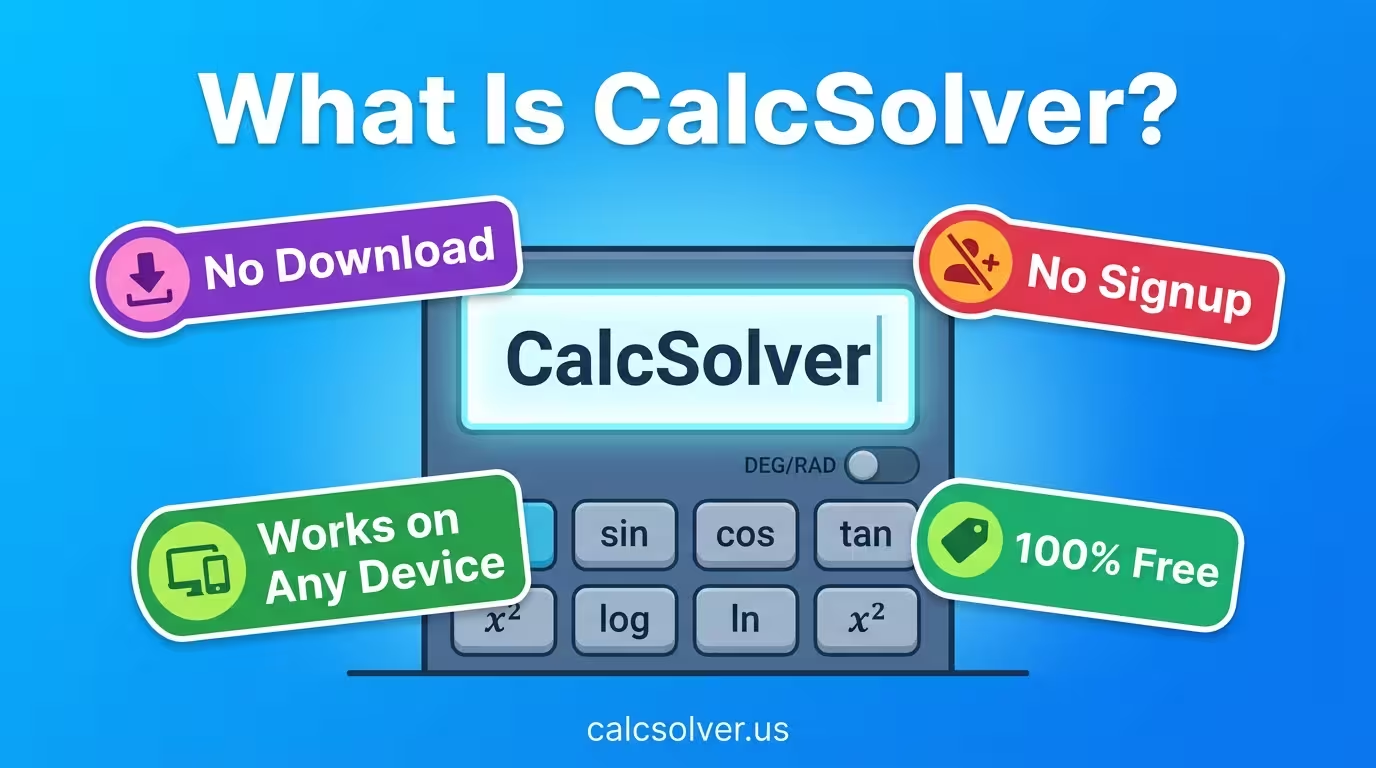
CalcSolver is a free browser-based scientific calculator that works on any device, whether you are on a phone, laptop, Chromebook, or desktop. Open the page and start calculating immediately.
What Is a Calc Solver
The term “calc solver” is shorthand for calculator solver, which refers to an online tool that handles mathematical calculations you would otherwise need a scientific calculator or formula sheet for. The emphasis on “solver” means it does not just show buttons. It evaluates full mathematical expressions, respects order of operations, and handles multi-function inputs like sin(45) + log(100) in a single calculation.
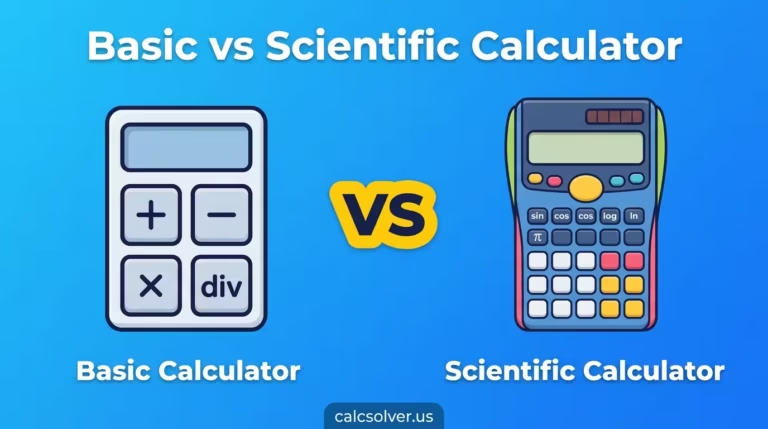
A basic calculator handles four operations. A calc solver handles everything above that:
- Trigonometric functions (sin, cos, tan and their inverses)
- Logarithms (log base 10 and natural log)
- Powers and exponents (x², xʸ)
- Square roots and nth roots
- Factorials (n!)
- Constants (π and e)
- Parentheses for grouped expressions
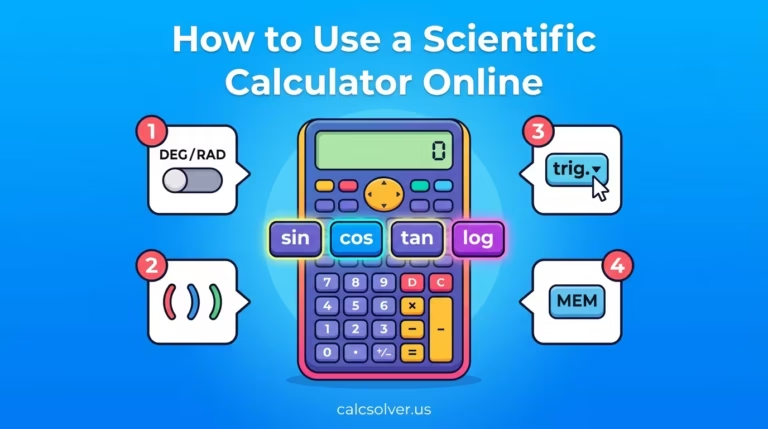
- Degree and radian mode for angle calculations
- Memory functions for multi-step problems
That is the practical definition. CalcSolver at calcsolver.us delivers all of these in a clean interface with a calculation log panel on the right so you can track every result in a session.
Who Uses CalcSolver and Why
Students
From middle school algebra through university-level mathematics, the calculator a student needs changes. A basic phone calculator stops being enough around Grade 8 when trigonometry, logarithms, and exponents enter the curriculum. CalcSolver covers all of it without requiring a physical device purchase.
Students on school-issued Chromebooks especially benefit because app stores are often restricted by school IT policies. A browser-based tool like CalcSolver requires nothing beyond a URL.
Engineers and Scientists
Quick calculations during work do not always require opening specialist software. For fast trig checks, unit conversions, or logarithm lookups, a browser-based scientific calculator is often the fastest option available.
Teachers
Demonstrating calculations live in class is straightforward when the calculator is on a screen everyone can see. CalcSolver loads in seconds, is fully functional, and has a calculation log that shows the history of every input during a session.
Everyday Users
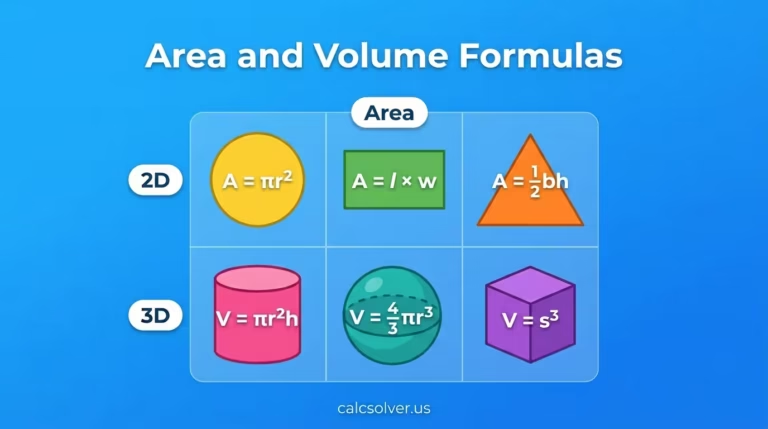
Percentage calculations, area formulas, interest estimates, and unit conversions all require more than basic arithmetic. CalcSolver handles these without the learning curve of financial software or spreadsheet tools.
If you want a breakdown of what separates a scientific calculator from a basic one for each of these use cases, our guide on basic calculator vs scientific calculator covers the functional differences clearly.
How Online Math Tools Like CalcSolver Work
Online calculators run entirely in your web browser using JavaScript. When you press a button or type an expression, the browser processes the input and evaluates it using built-in mathematical functions with accuracy to roughly 15 significant digits, which is more than sufficient for academic and most professional use.
There is no server doing the calculation on your behalf. Everything happens locally in your browser the moment you interact with the tool. This is why CalcSolver loads fast, works offline once the page is loaded, and keeps no record of your calculations on any external server.
The DEG/RAD toggle you see in the interface switches the angle unit the calculator uses for trigonometric functions. DEG mode processes angles in degrees, RAD mode in radians. Getting this wrong is the number one cause of incorrect answers in trig calculations, which is why having a visible toggle is important. Our full guide on how to use a scientific calculator online step by step explains every button in the CalcSolver interface with worked examples.
The Calculation Log panel on the right side of the interface records every result during your session. This lets you reference earlier results when doing multi-step problems without retyping or approximating.
Code Mode, the toggle in the top right of the interface, switches the calculator to accept mathematical syntax more closely aligned with programming notation. Useful for users who work across math and code regularly.
What CalcSolver Covers
| Function Category | What It Includes |
|---|---|
| Arithmetic | Addition, subtraction, multiplication, division, parentheses |
| Percentages | % key for direct percentage calculations |
| Trigonometry | sin, cos, tan (DEG and RAD modes) |
| Logarithms | log (base 10), ln (natural log, base e) |
| Powers and roots | x², xʸ, √ (square root) |
| Special functions | n! (factorial), 1/x (reciprocal) |
| Constants | π (pi), e (Euler’s number) via the xʸ and ln functions |
| Memory | Tracked via Calculation Log panel |
This covers everything a student needs from Grade 8 through pre-calculus. It also handles the scientific calculation needs of most professionals outside of specialist fields like symbolic calculus or matrix algebra.
What CalcSolver Does Not Do
Being accurate about limitations builds trust more than overselling.
CalcSolver is not a Computer Algebra System (CAS). It cannot simplify algebraic expressions symbolically, solve polynomial equations with step-by-step output, differentiate or integrate functions, or perform matrix operations. For those needs, tools like Wolfram Alpha or Symbolab are appropriate, though both charge for full step-by-step access.
CalcSolver is exactly what most high school and university students need without the complexity or cost of specialist tools.
CalcSolver vs Other Online Calculators
| Tool | What It Does Best | Limitations |
|---|---|---|
| CalcSolver | Scientific calculations, fast, free, no login | No CAS, no step-by-step algebra |
| Wolfram Alpha | Symbolic math, step-by-step solutions | Full access requires paid subscription |
| Desmos | Graphing and visual functions | Not designed for direct scientific calculation |
| Google Calculator | Basic and some scientific functions | No calculation history, limited functions |
| Physical Casio/TI | Exam-room use, reliable hardware | Requires purchase, no copy-paste |
For everyday school math from arithmetic through pre-calculus, CalcSolver sits in the practical middle, fully capable without the cost or complexity of tools built for research-level mathematics.
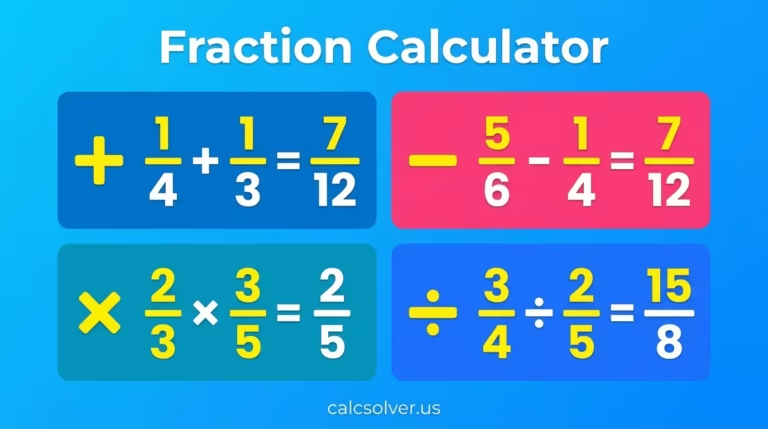
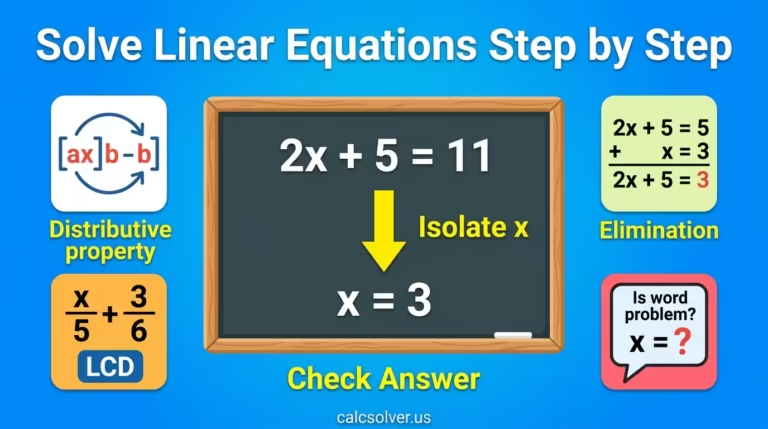
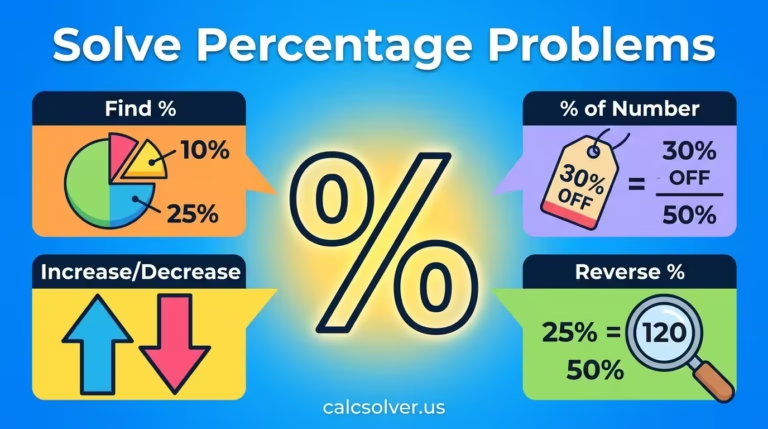
The mathematical concepts CalcSolver handles most frequently include percentages, fractions, linear equations, and trigonometry. If you want to understand the math behind what you are calculating rather than just getting a number, our guides on how to solve percentage problems and how to solve linear equations step by step give you the full picture behind each calculation type.
Why Use a Browser-Based Calculator Over a Physical One
Physical scientific calculators are reliable and still required in some formal exam settings. Outside of that, a browser-based tool has clear practical advantages:
- No purchase cost
- No batteries, no hardware failure
- Works on any device with a browser
- Calculation history visible during the session
- Always up to date, no firmware versions
- Accessible on school Chromebooks where app installs are restricted
- Easier to use alongside notes, documents, or online coursework
The only situation where a physical calculator is necessary is a formal exam that specifically requires one. For homework, practice, professional quick calculations, and everyday use, an online scientific calculator is simply more convenient.
How to Start Using CalcSolver Right Now
There is nothing to install and no account to create. Go to calcsolver.us, check that the angle mode is set correctly for your calculation (DEG for standard geometry, RAD for calculus), and start entering your expression.
For trig functions, type the number first then press the function button. For example, type 45 then press sin to get sin(45°) = 0.7071 in DEG mode. For logarithms, press log or ln then type the number and press equals.
The Calculation Log on the right keeps your session history so you can scroll back through results without repeating work.
If you want to understand every button in full detail before starting, the complete walkthrough is in our guide on how to use a scientific calculator online.
Frequently Asked Questions
What does CalcSolver mean?
CalcSolver is short for calculator solver. It refers to an online scientific calculator that evaluates complete mathematical expressions including trigonometry, logarithms, powers, roots, and other functions beyond basic arithmetic. The solver part means it processes full expressions in correct mathematical order, not just individual operations.
Is CalcSolver free to use?
Yes, completely. There is no account required, no subscription, no download, and no hidden features behind a paywall. The full scientific calculator and all its functions are available at calcsolver.us for free.
Does CalcSolver work on mobile?
Yes. CalcSolver runs in any modern browser, including mobile browsers on iOS and Android. The interface is responsive and works on phone screens as well as tablets, laptops, and desktop monitors.
What is the difference between CalcSolver and a basic calculator?
A basic calculator handles addition, subtraction, multiplication, and division. CalcSolver adds trigonometric functions, logarithms, exponents, roots, factorials, constants like π and e, and full order-of-operations processing for complex expressions.
Does CalcSolver save my calculations?
CalcSolver shows your calculation history in the session log on the right side of the interface. This is visible while you are using the tool. No data is stored on external servers and the history clears when you close the tab.
Who is CalcSolver built for?
CalcSolver is built for students from middle school through university, teachers who need a classroom demonstration tool, engineers and scientists who need quick calculations, and anyone who needs scientific calculator functions without carrying a physical device.